Tracking Your Jekyll Blog with Google Analytics
You’ve created a brand new blog with Jekyll and now you want to track how users are actually using it with Google-Analytics. It’s actually quite easy.
First create an account on google-analytics. Now, grab the tracking code
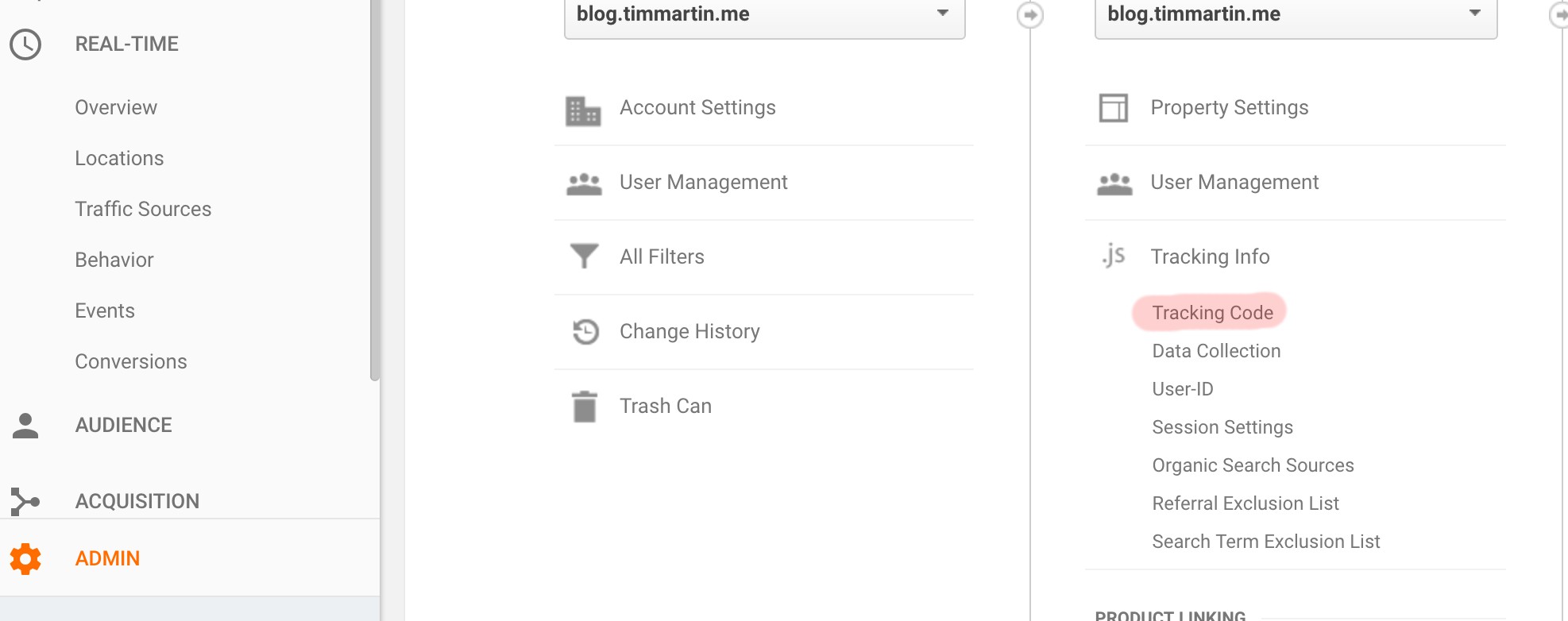
Now, that you have the tracking code, simply add the google_analytics: <your-tracking-id> to
_config.yml. Assuming you are using the default minima theme you are
all set to go. Please keep in mind that if you must be in the production environment
for the tag to work. If you host with Github-Pages it will all be automatic.